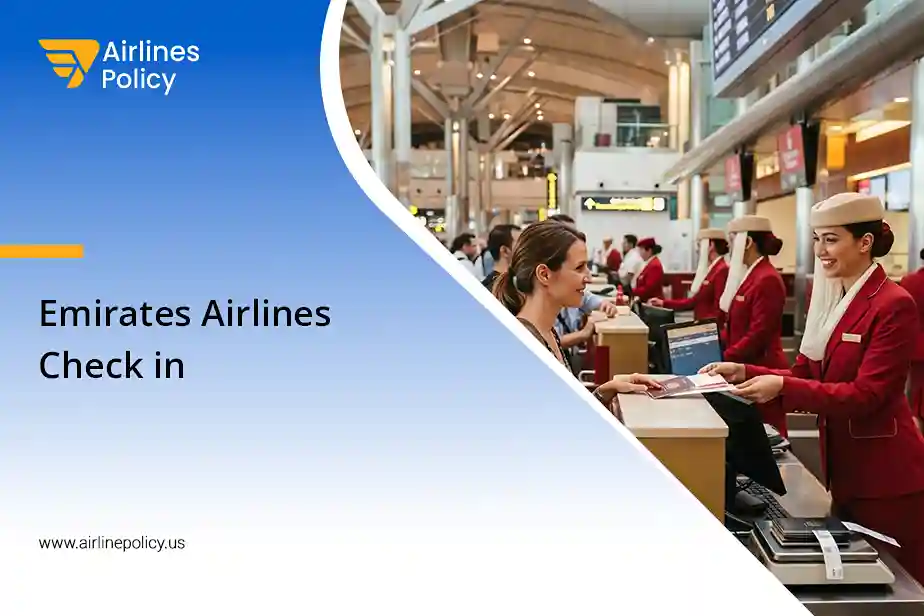

Are you travelling with Emirates? It is good to know about the Emirates Airlines check-in process. To help you, details of online check-in are covered here. In addition, you can check in online up to 48 hours before your flight’s departure. Also, the online check-in window closes 90 minutes before the departure of your flight.
With online check-in, you can select a dietary meal, choose seats, get a last‑minute upgrade, or earn miles. So, get ready to know more about online check-in with Emirates. Go through the account below and complete the process in a few clicks.
What are the Emirates Airlines Check-in Times?
Your Emirates check-in time varies as per the airports included in your trip. For most of the destinations that Emirates Airlines covers, the web check-in time starts from –
- 48 hours to 1 hour before your flight’s departure when you don’t have to check in your baggage
- 48 hours to 90 minutes before the scheduled departure of your Emirates Airline flight if you need to go for baggage check-in formalities. Choose a dietary meal and seats.
It is generally suggested to reach the airport –
- 2 hours before the flight’s scheduled departure – Domestic flights
- 3 hours before the scheduled departure of the flight – International flights
Please note
- When you go for an online Emirates Airline check-in, reach the check‑in desks and fulfil the existing requirements of travel.
- Check your ticket to know the most suitable time to arrive for your journey.
- Travellers can drop off their bags –
- 24 hours before departure from Dubai
- 12 hours before departure for travel to the US
How to Check in Online on an Emirates Flight?
With online check-in, you can choose your favourite seats, print boarding passes, and check in your baggage as well.
To check in online on your flight with Emirates, you can choose any of the following methods:
Through the website
For an Emirates Airlines online web check-in, you simply have to visit the website of the airline. Now follow the steps mentioned below –
- Go to the Online check-in page.
- To start with the check-in process, enter the following in the required fields –
- Your Booking Reference or PNR
- Your last name/surname
- Choose the travellers who have to check in.
- You might have to enter Advance Passenger Information. This happens only if your destination requires it.
- Change seats, add Emirates Skywards numbers (if missed).
- Complete the check-in.
Alternatively, you can check in through the following process –
- Go to the Emirates website.
- Select Check in online from the Manage dropdown.
- Enter your booking reference number and last name.
- Select Retrieve Booking.
- Select the name of the passenger(s) you want to check in.
- Enter the Advance Passenger Information (if required).
- Finalise the online check-in.
On the Emirates App
Another way to check in with Emirates Airlines is through its mobile app. Simply install it on your smartphone, and you will be good to go. Here’s how –
- Log in to your account.
- Follow the prompts.
- Select your flight and check in.
Once you complete your check-in, Emirates emails or texts you a mobile boarding pass link. Hit the link and download the boarding pass. So, check in conveniently with Emirates.
Please note
- Up to 9 travellers in the same itinerary can check in online.
- If the first flight in your itinerary doesn’t belong to Emirates, you can’t check in online.
- This includes all codeshare flights that Emirates doesn’t operate.
- Check in online at the Qantas link if your travel itinerary has its first flight with Qantas.
What to Do After Online Check-in with Emirates?
When travelling with Emirates Airline, after you have completed the web check-in process in time,
- The airline issues an eBoarding Pass (for select airports).
- Print your eBoarding Pass.
- Collect an eBoarding Pass from the Emirates’ airport check-in counters if you don’t get one.
- Travellers who can’t access a printer can check in online. However, at the airport, they have to –
- Present their travel documents at the online check-in desk
- Inform the staff about their online check-in but not having a receipt
Why is an Emirates Boarding Pass Required?
To fly with Emirates, the boarding pass is an important document. It has every essential detail that travellers must know regarding their flight, such as –
- Flight number
- Gate number
- Departure and arrival times
- Seat assignment
- Baggage allowance
As mentioned above, the boarding pass can be obtained with online Emirates Airlines check-in, via app check-in, or at the airport.
Please note
If you don’t show your boarding pass, the airline can deny you boarding the flight. So, check the pass carefully before starting your trip.
How Can I Download an Emirates Boarding Pass?
You can easily download your boarding pass in just a few clicks. Here are the simple steps to do it –
- Visit the Emirates website or mobile app.
- Log in to your account.
- Go to the Manage Booking/Check section.
- Choose your flight.
An option to download your boarding pass comes up. However, it is available only 48 hours before your scheduled departure. After downloading the pass, save it to your smartphone or print it.
Please note
Users of iPhone iOS 6 or later can save their boarding pass on their phones. They can use the pass even without an internet connection.
Select the delivery option, save it to your device, access your boarding pass through the Wallet App, and scan it at the airport.
In Conclusion
In a nutshell, Emirates Airlines check-in online helps you skip long queues and waiting time at the airport. Moreover, you can check in at your convenience and from wherever you want. Whether you check in through the website or via the Emirates app, the process is simple and quick.
After checking in, download your mobile boarding pass and board your flight easily. Apart from saving your boarding pass to your smartphone, Emirates allows you to download it through its app.
So, where are you travelling next and opting for an online Emirates check-in?
You May Visit: